Guide · version 2.0.0
Share a WiFi join card
For an SSID with a shared password, a WiFi join QR saves a guest from typing the key. This is separate from hotspot vouchers.
STEP 01
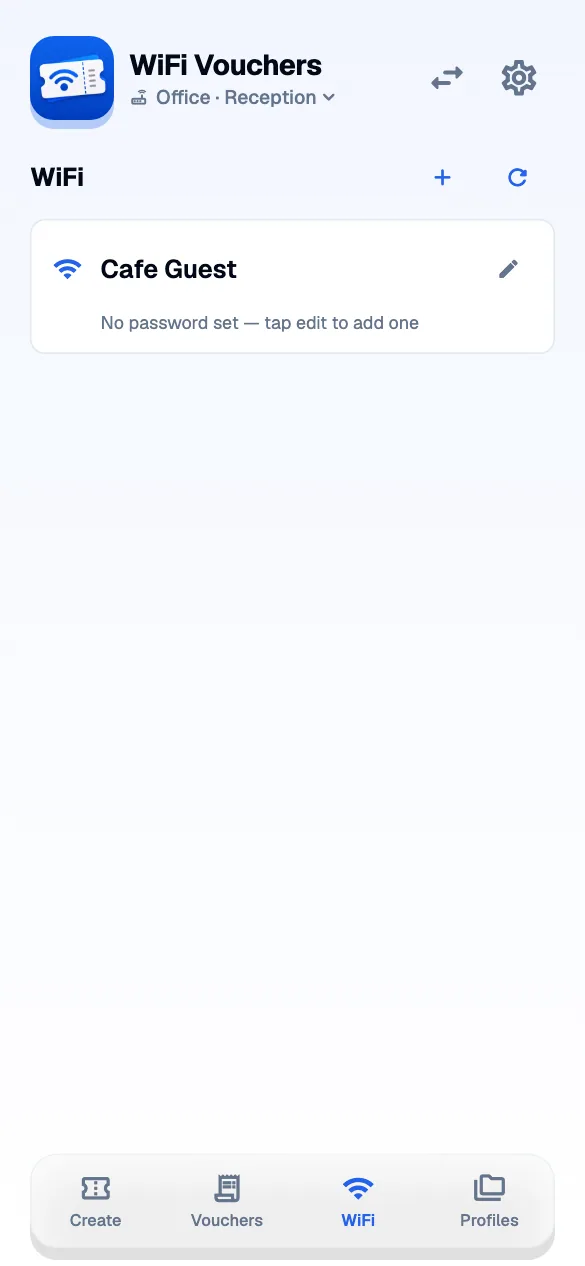
Find or add the network.
Open WiFi on the intended controller. Select a listed network or use the plus button to add its SSID manually. Use the exact network name.
STEP 02
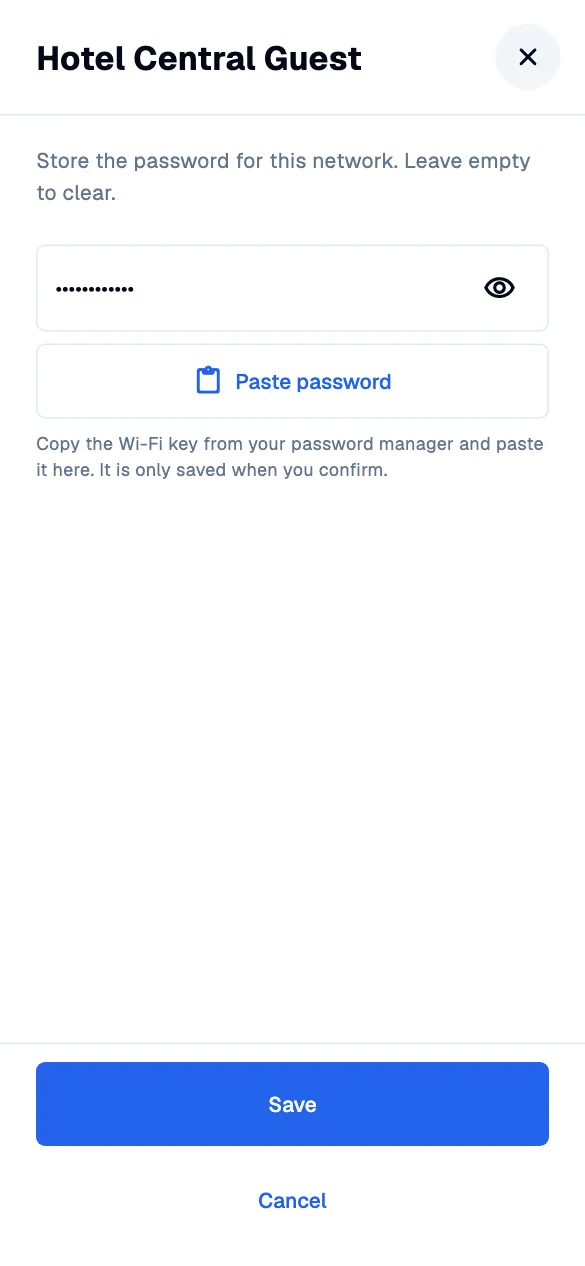
Add the password deliberately.
Edit the network password. Copy the WiFi key from your password manager and choose “Paste password”. Use the eye button to check it, then save. An empty or unreadable clipboard does not replace an existing entry.
STEP 03
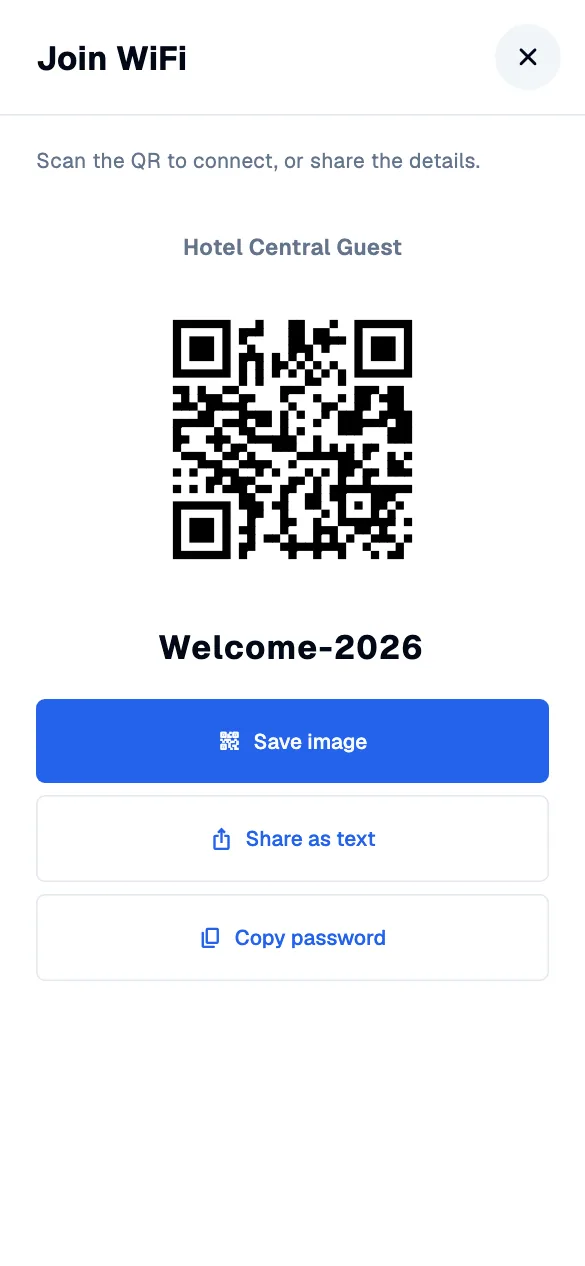
Give the card to your guest.
Open the network’s QR card and share it. The exported image includes the SSID, a join QR and the password. Someone with that card has the WiFi credentials.