Guide · version 2.0.0
Keep several locations organised
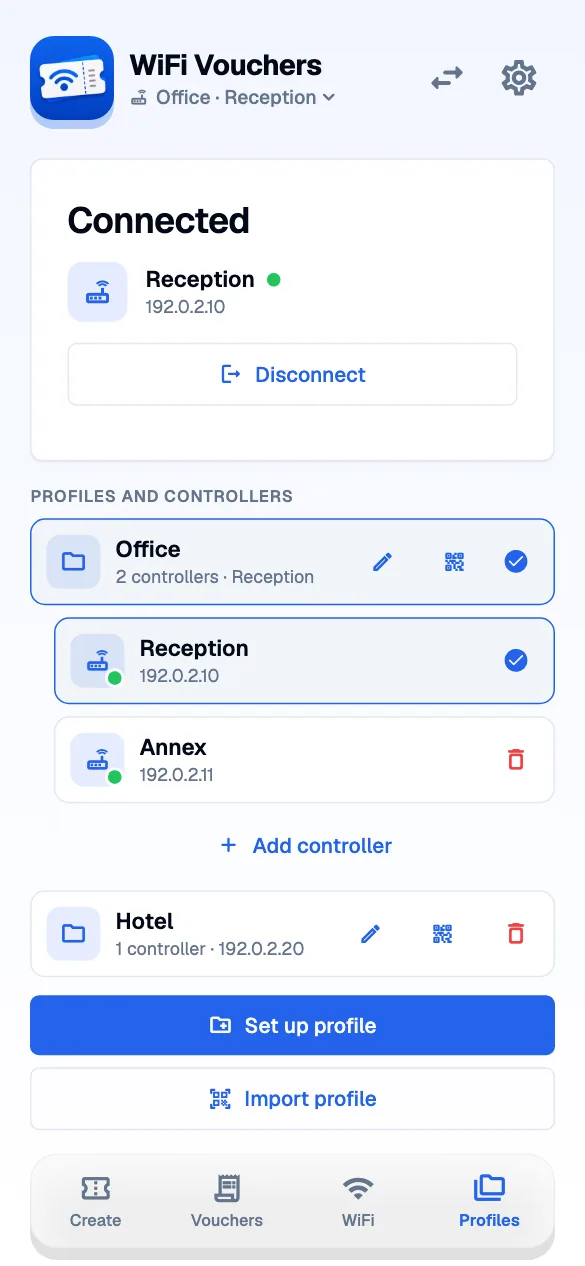
Use one profile per customer, organisation or property. A profile can hold several controllers. Each controller can expose its own UniFi sites.
STEP 01
Start with the right group.
Open the profile switcher next to Settings. Choose the profile you want to use, or set up a new profile with its first controller.
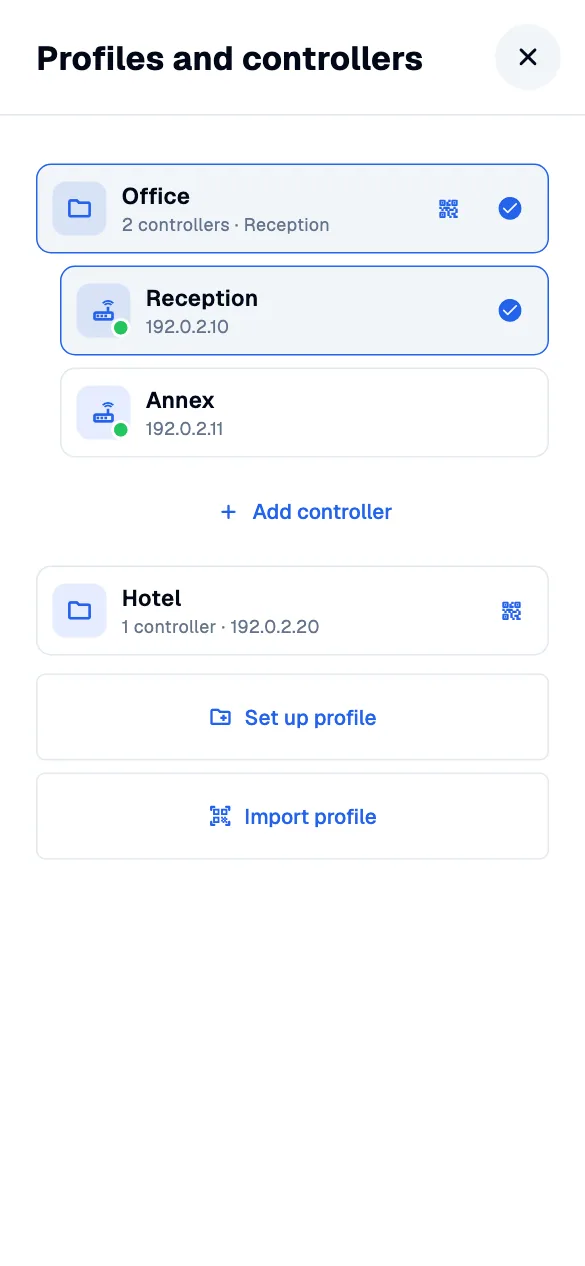
STEP 02
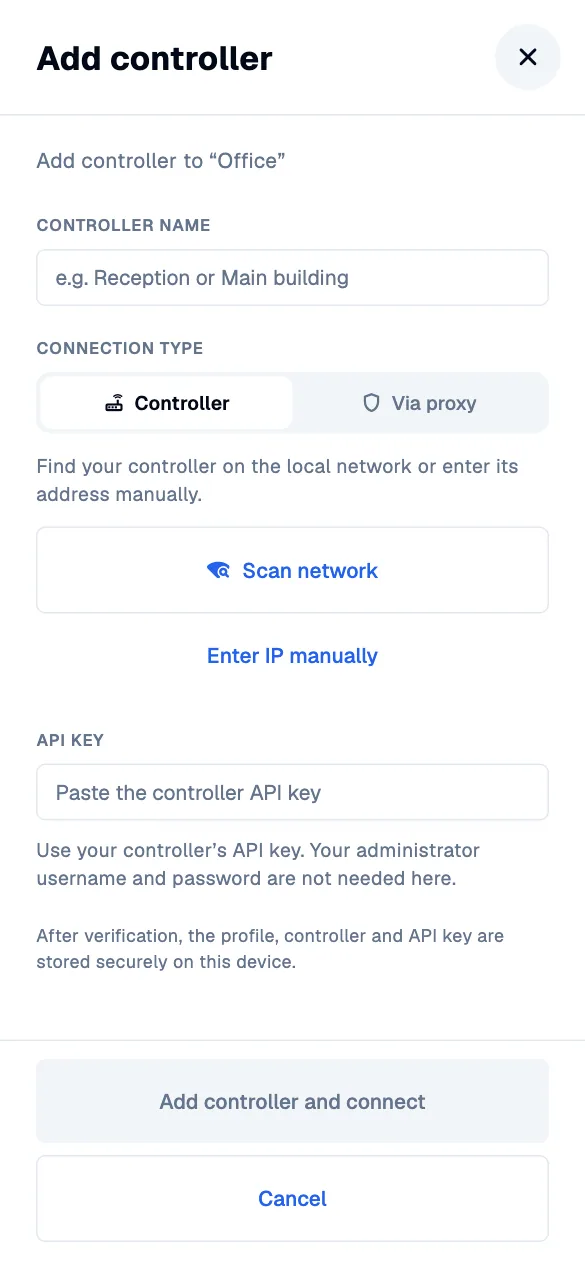
Add a controller to that profile.
In profile management, select your profile and choose the action to add a controller. The form shows the target profile so you can check where the new connection will be saved.
STEP 03
Switch to the controller you need.
Choose a controller inside the profile. The app verifies the new connection. If it fails, the previous connection remains available while you correct the problem.