Guide · version 2.0.0
Give a guest a voucher
Your controller must already have a guest hotspot with voucher authentication. The app creates vouchers on that controller; it does not configure the guest portal.
Choose the network and validity.
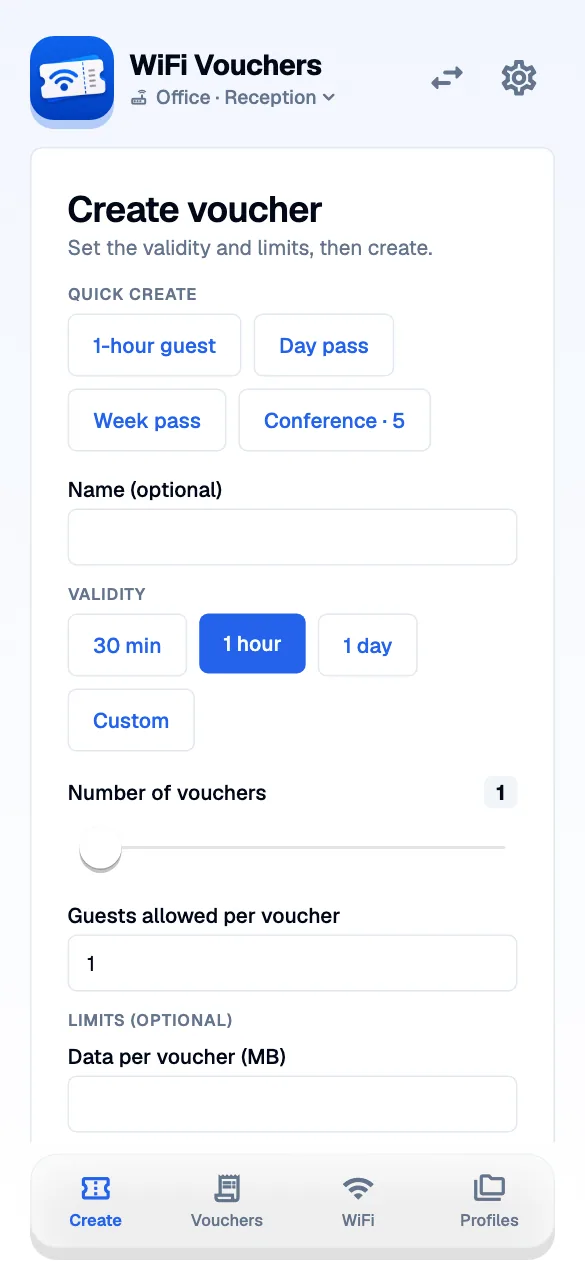
Open the create tab on the right controller. Choose a validity period and the limits you need. For a recurring task, use a quick preset instead of filling the same options again.
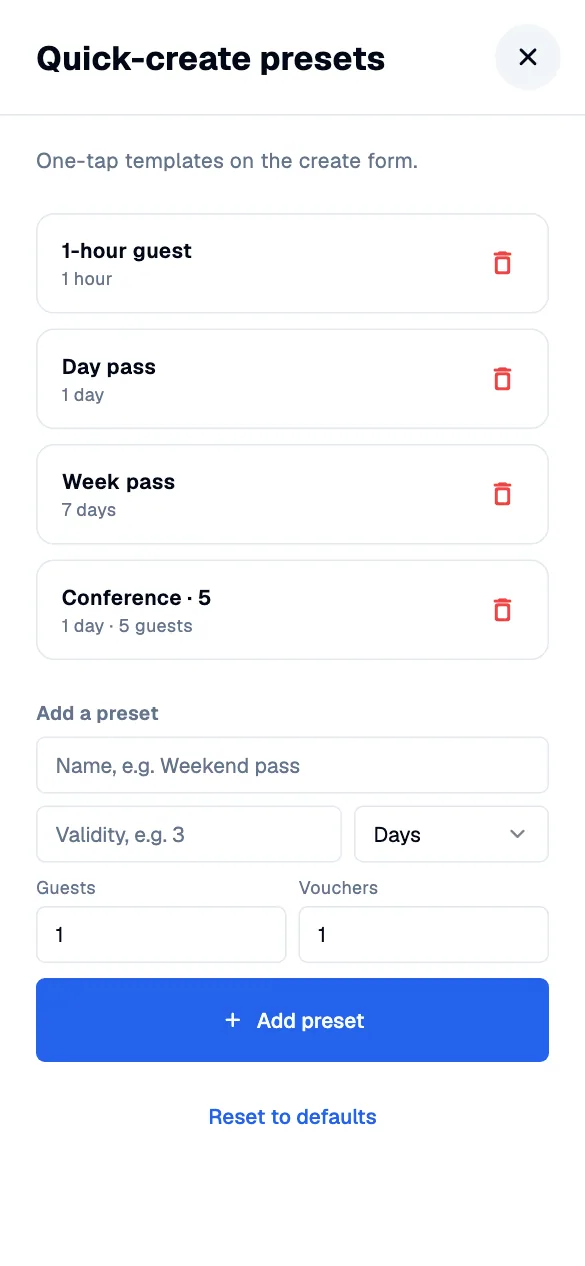
Keep your usual presets close.
Edit validity presets and quick presets in Settings. Use names that describe a real task, such as a day pass or a visitor meeting. Saving a preset does not issue a voucher.
Create and hand over the code.
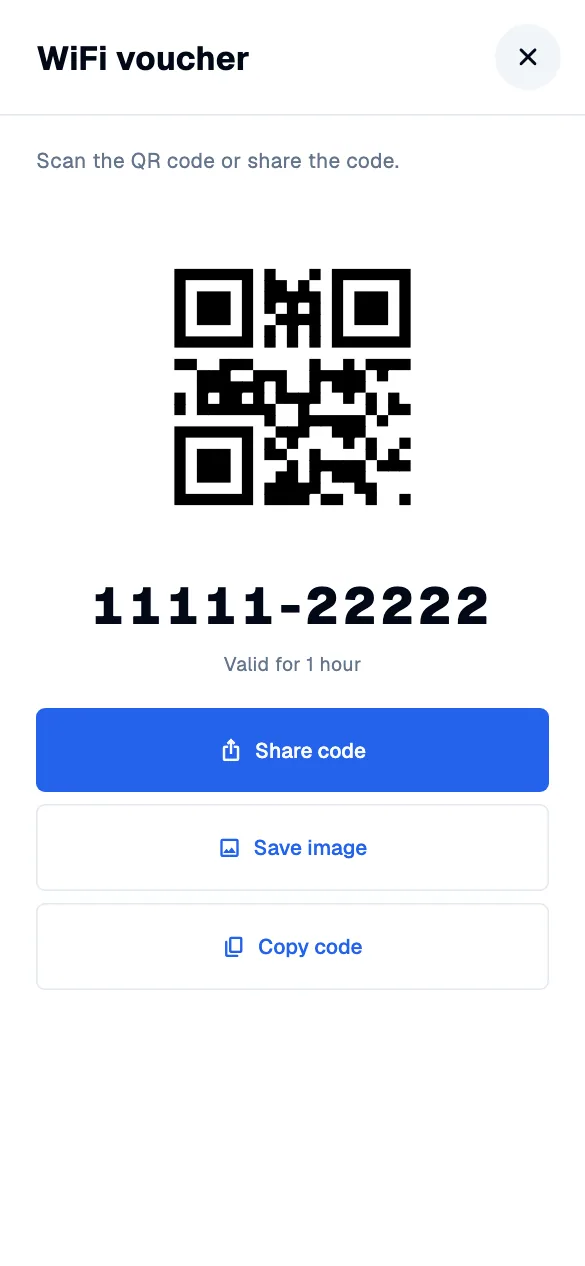
Create the voucher, then share the code or print voucher cards. A voucher QR contains the voucher code. The guest still joins your hotspot and enters that code in its portal.
Check or revoke access.
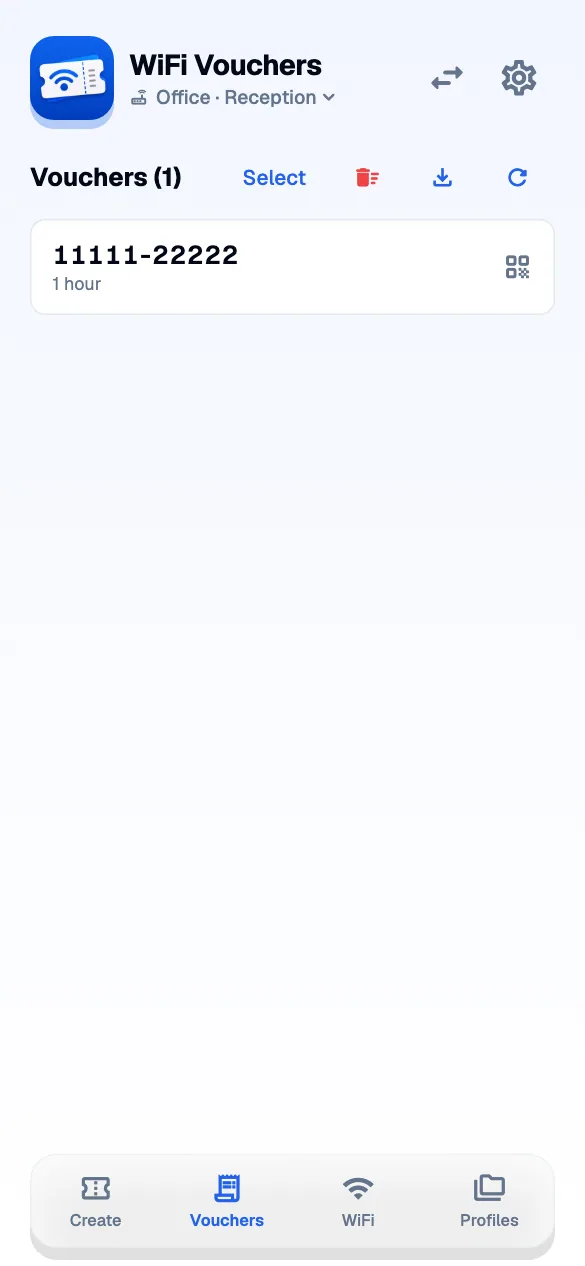
Open the voucher list to find an issued code and see its status. Revoke a voucher if it should no longer be used. Make sure you are on the intended controller before changing guest access.