Guide · version 2.0.0
Your first profile and controller
Start with a profile for a place or a customer. You will add its first controller in the same flow. Have the controller address and an API key ready.
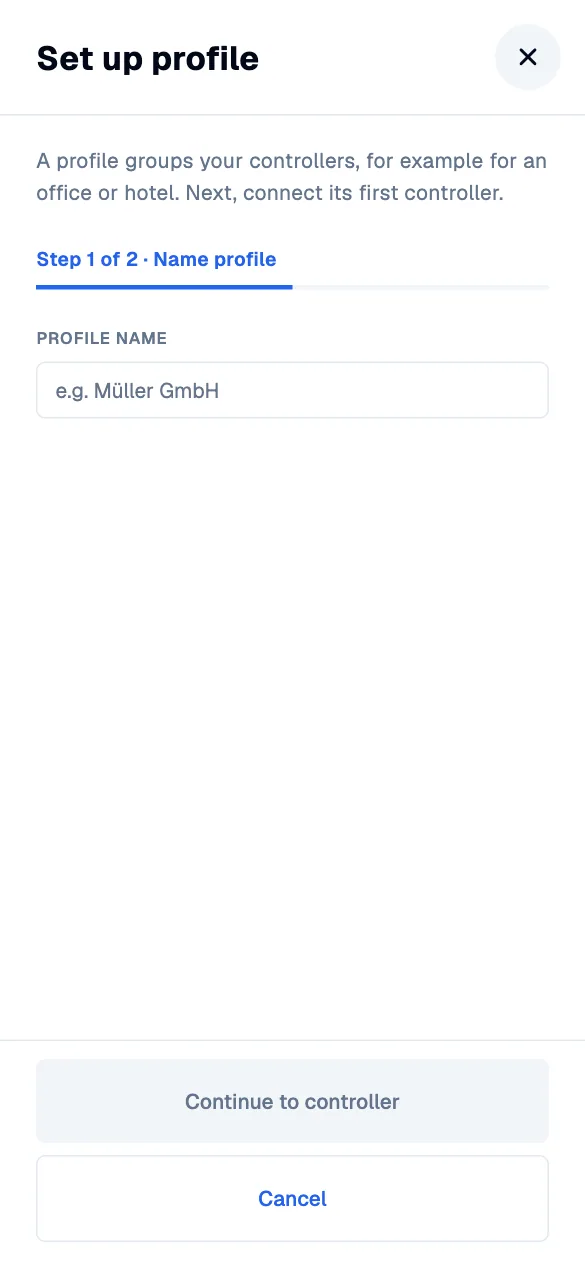
Name the profile.
Choose “Set up profile” on the start screen. Use a name that will still make sense when you have several networks: “Hotel Central”, “Office” or a customer name. Continue to the controller step.
Find the local API documentation in UniFi Network → Integrations ↗
Connect the first controller.
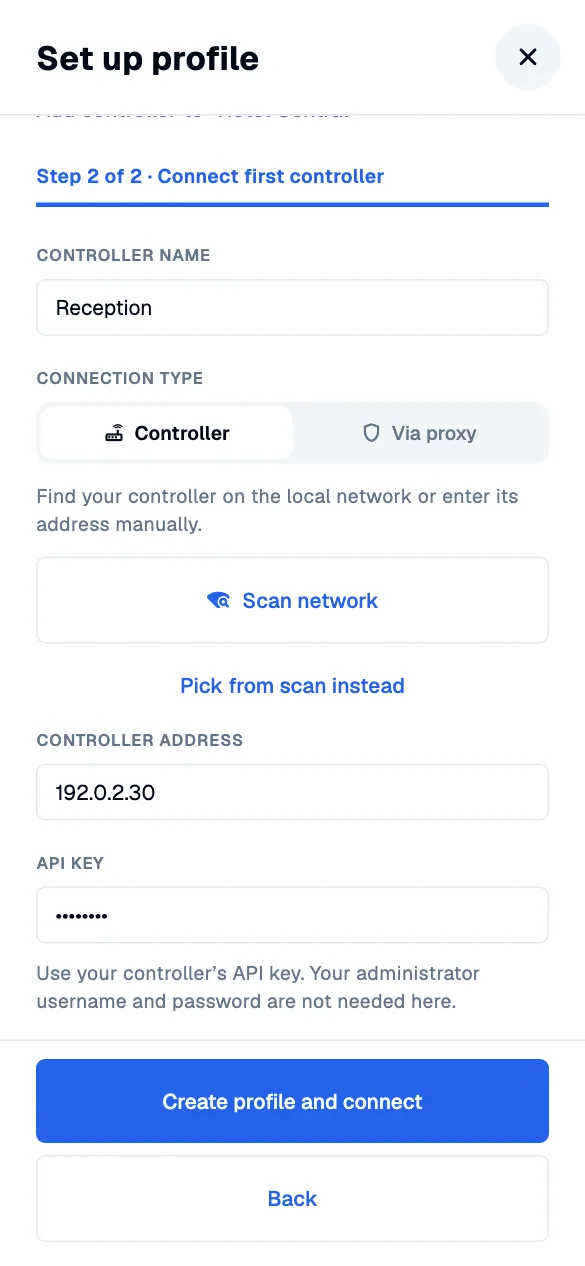
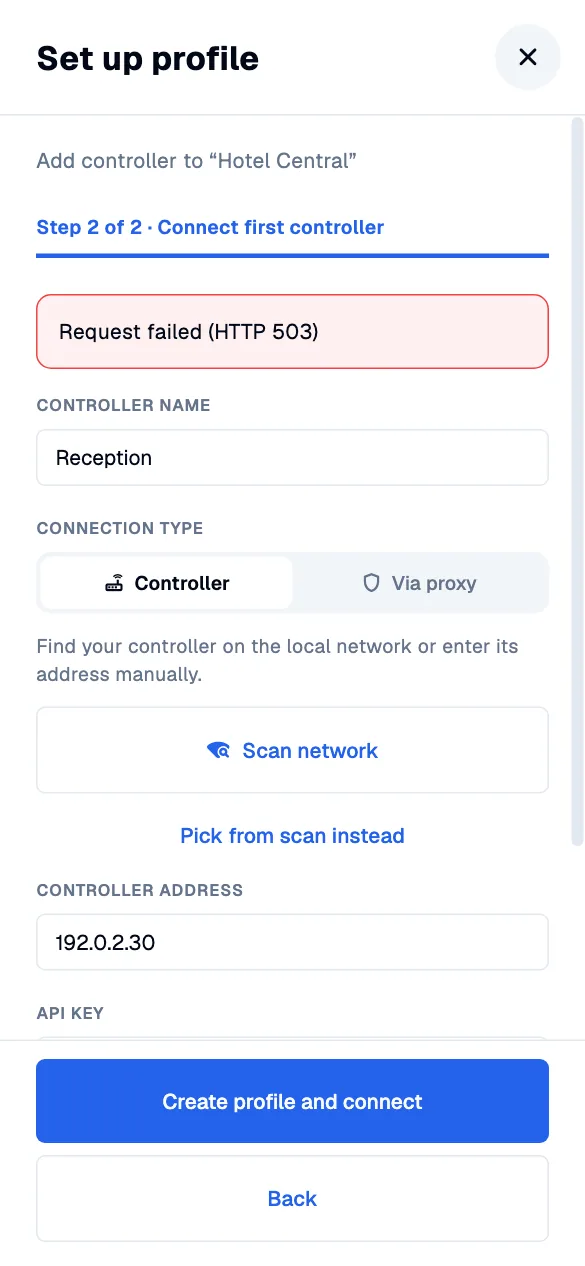
Give the controller a name. Scan the local network or enter its address manually, then paste its API key. Your phone or computer must be able to reach that address. The connection flow does not need an administrator username or password.
Let the app verify the connection.
Choose “Create profile and connect”. Missing fields are explained in the form. If the connection fails, check the address, network access and key, then retry. Your draft stays in place.
Choose the site you want to work with.
Once connected, select the site and guest network shown by your controller. Your profile and first controller are now saved. Add more controllers to this same profile whenever you need them.