
Create, share and revoke UniFi hotspot vouchers from your Mac or phone — no clunky controller UI, no exported CSVs.
macOS · iPhone · Android · Uses the official UniFi Network API
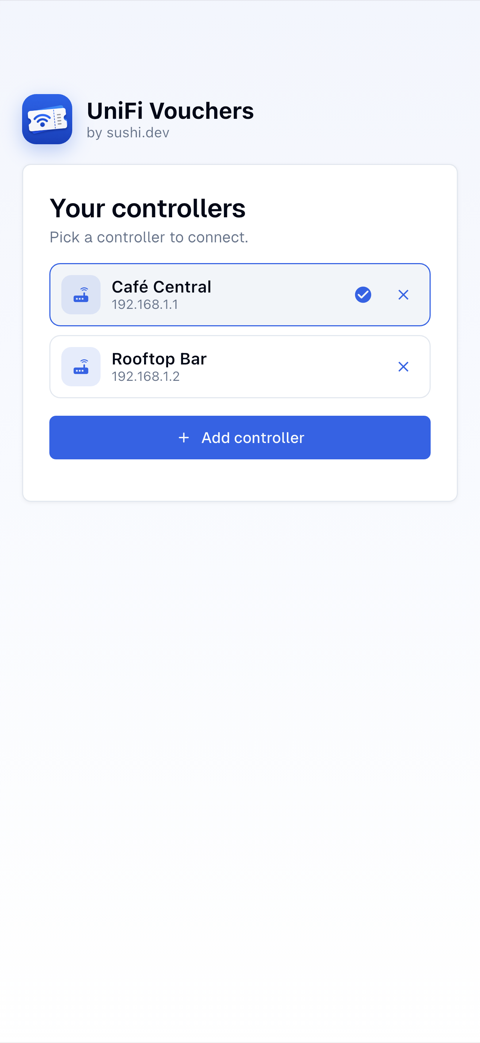
Auto-discovery on the LAN, or type the IP.
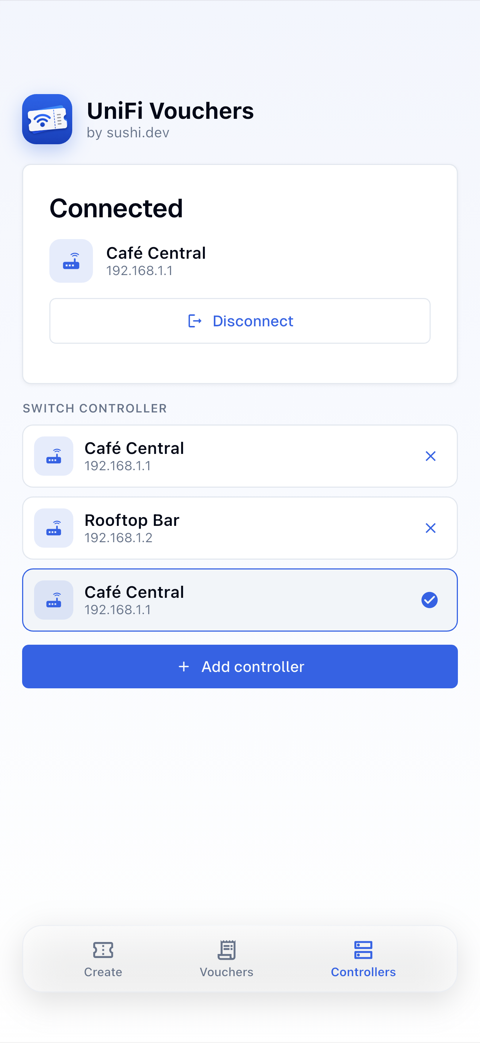
Stored securely; switch between sites in a tap.
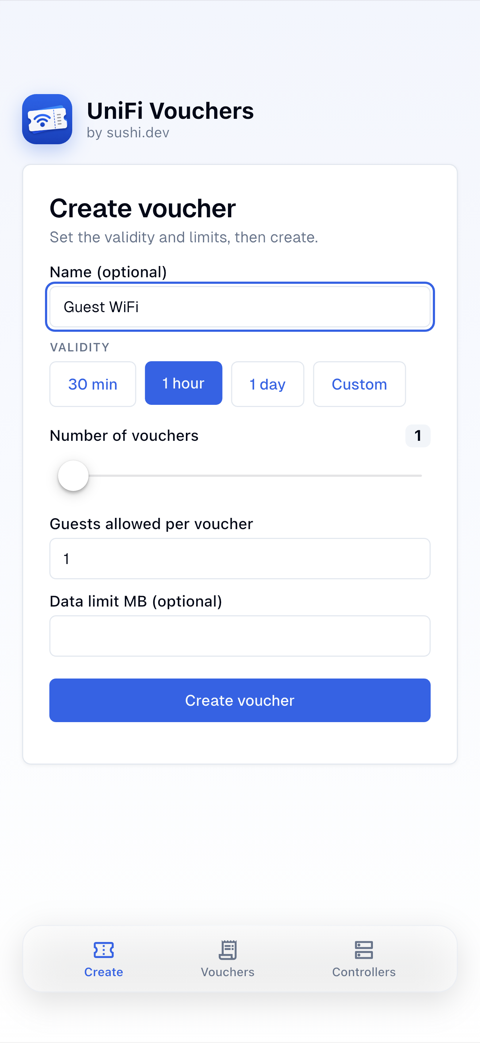
Validity, guest limit, batch count, data caps.
Day pass, week pass, conference — in a tap, or straight from the app icon.
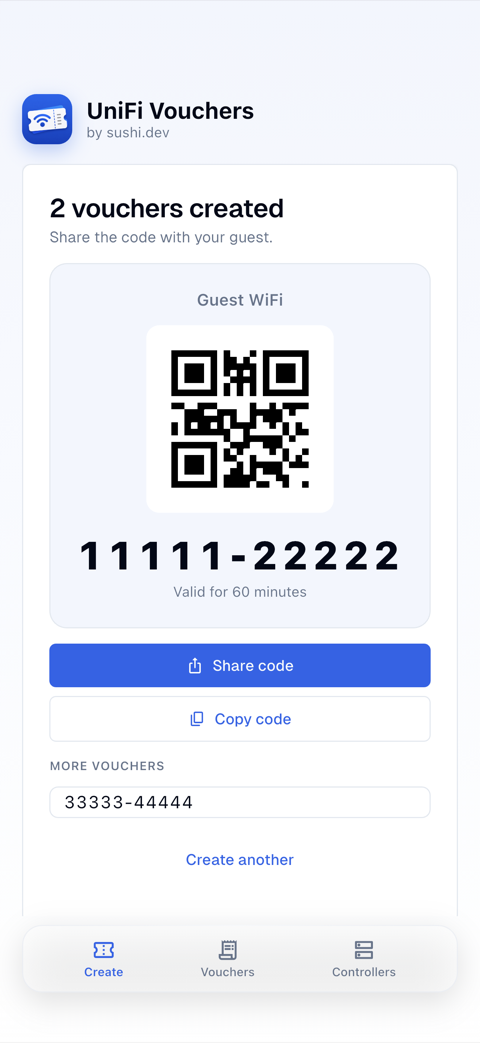
SMS, WhatsApp, Signal, email — as text, a QR, or a branded image.
Guests scan a WiFi QR and connect — no password typing.
A tidy PDF of voucher cards (QR + code) for the front desk.
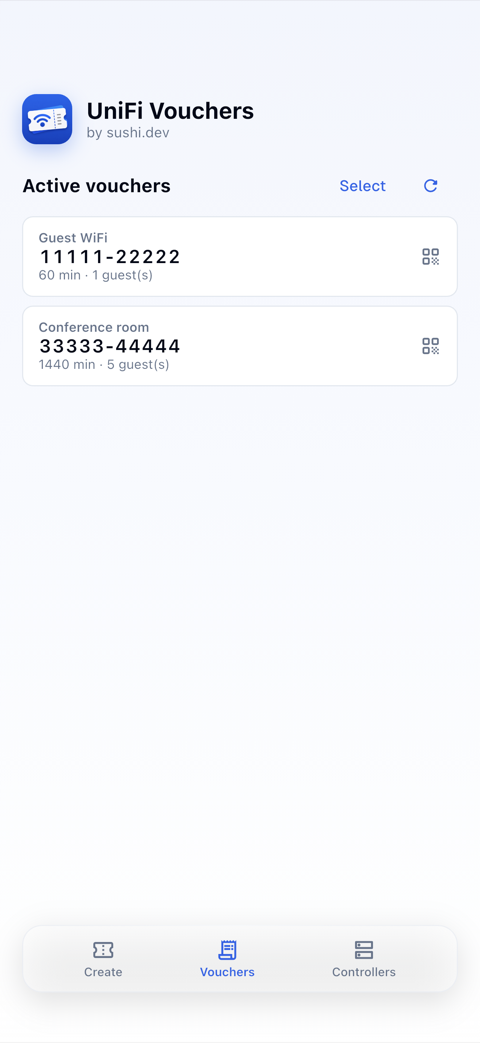
See active vouchers and kill any of them.
See how many guests used each voucher — expired ones flagged.
macOS & iPhone, with an optional menu-bar mode.
Create, share and manage guest WiFi vouchers — right from your phone or Mac.
UniFi Vouchers has been submitted to Apple and Google and is awaiting approval. The store links below go live the moment the apps clear review.
Distributed through the app stores. Requires a UniFi controller with the Integration API enabled (Network → Control Plane → Integrations).
A UniFi controller (UDM, Cloud Gateway, self-hosted Network application) with the Integration API enabled — Network → Control Plane → Integrations — and a guest hotspot with vouchers configured.
No. There are no accounts and no cloud in between: the app talks directly to your controller on your network, using an API key you create yourself. The key is stored encrypted in your device keychain.
In your UniFi console, open Settings → Control Plane → Integrations, name the key and select “Create API Key”, then paste it into the app. Step-by-step instructions are in Ubiquiti’s official guide, “Getting Started with the Official UniFi API”.
Version 1.0 has been submitted to Apple and Google and is currently in review. The App Store, Mac App Store and Google Play listings go live as soon as the apps are approved.
iPhone, macOS (with an optional menu-bar mode) and Android. All apps are native and share the same feature set.
UniFi Vouchers is free.
Setup questions, feature requests, or just stuck — we usually reply within a day.
support@sushi.dev App Store
 Google Play